How to resize and compress images before uploading to WordPress
Shrink a photo before you upload it, so your pages stay fast.
Every image you upload to your website has a file size. The bigger that size, the longer your page takes to load — and slow pages lose visitors before they've read a word.
Resizing and compressing images before you upload them is one of the simplest things you can do to keep your site fast. It costs nothing, takes under a minute, and makes a real difference to how your site performs — both for visitors and in search results.
Get Squoosh!
Go to squoosh.app/.
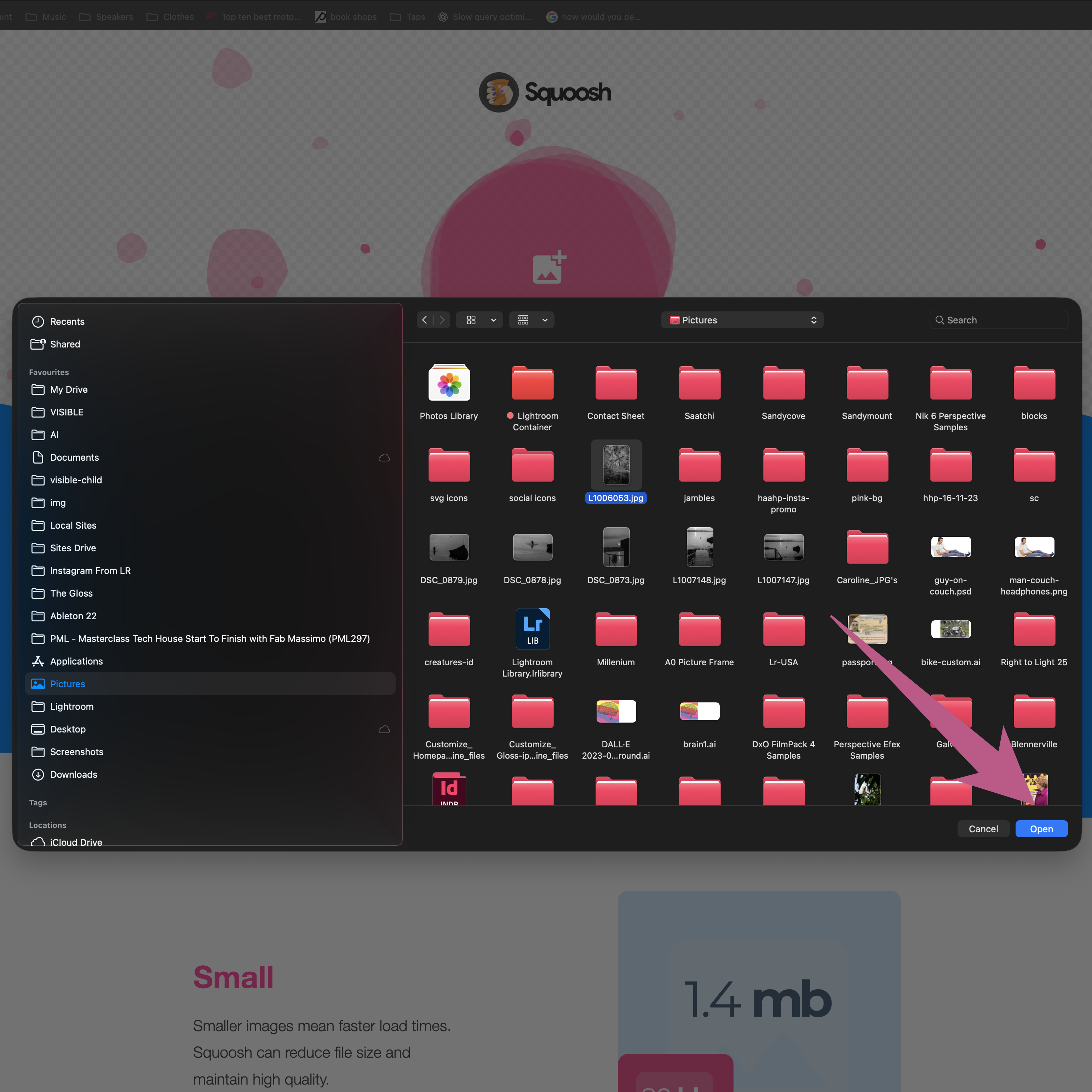
Click in the pink area and choose your image.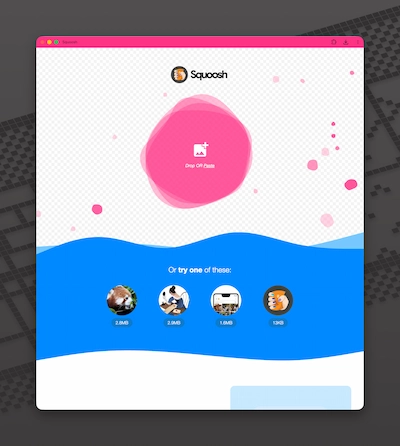
Click in the pink area and choose your image Choose your image
A dialogue box pops up, navigate to your image and hit Open

Click open here Resize your image
Make sure you've worked out how big you want your image to be on the web page.

Enter required image width Choose your image format
WebP is the standard google image format.
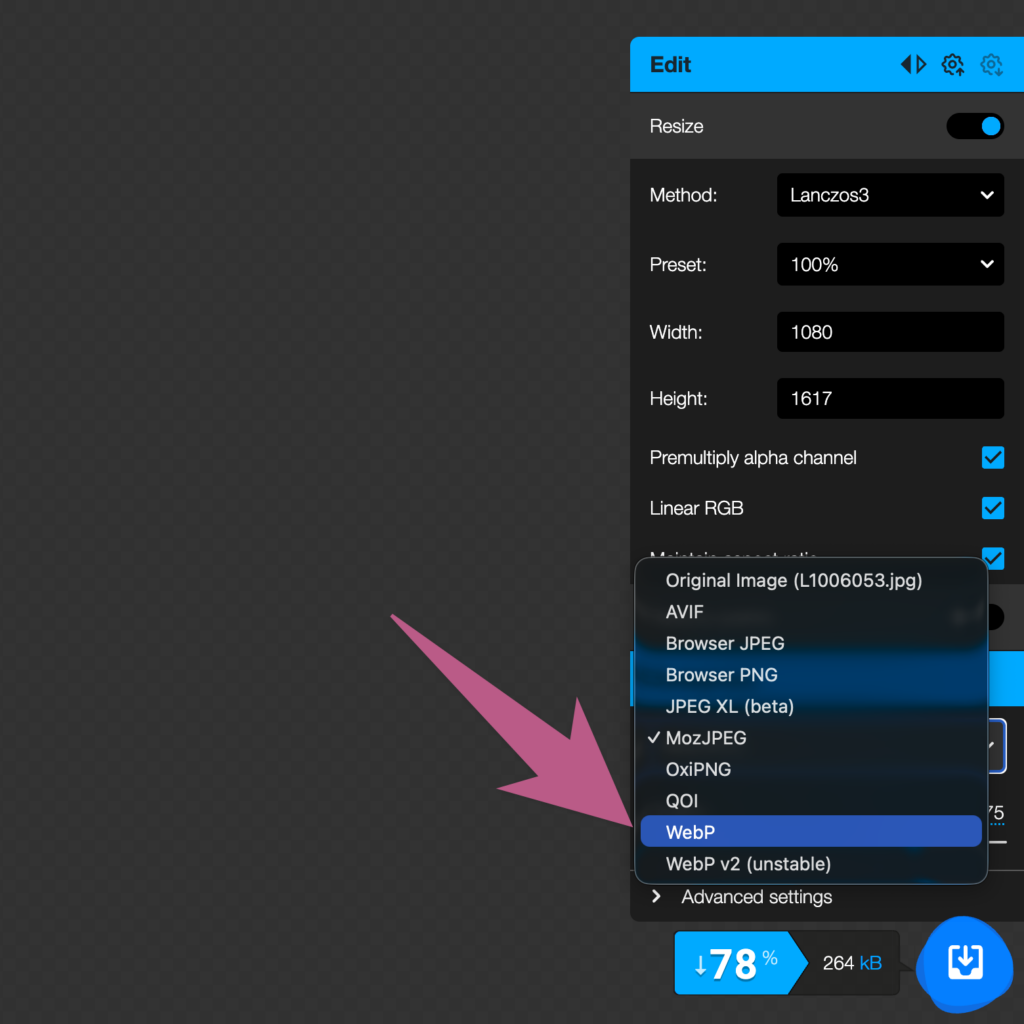
Choose webP format